 Refrag
Bunnyhop – CS2 Training Mode By Refrag
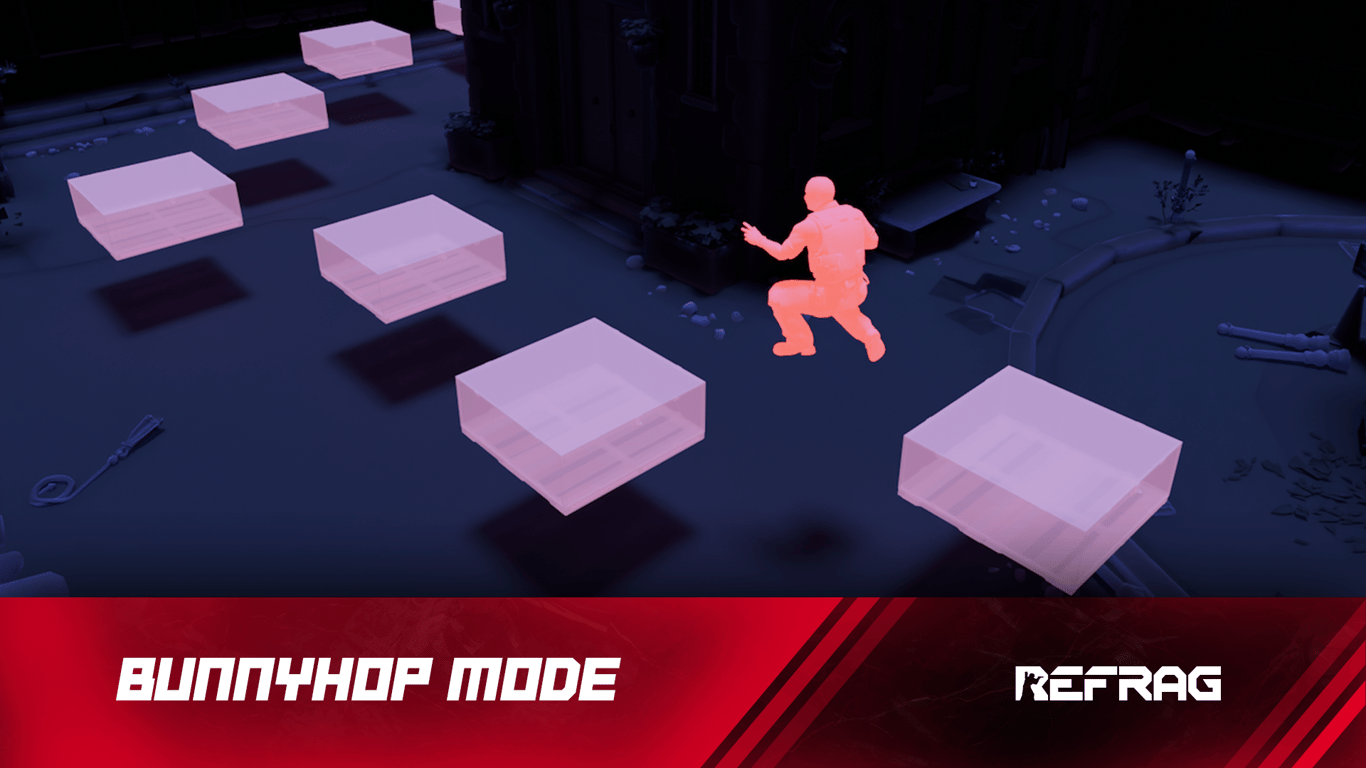
Movement is one of the most important and least-trained skills in Counter-Strike. It might seem obvious to say, but the greater your control over your player model in CS, the easier it is to dictate situations in your favor. There are a couple of ways to train your movement in Refrag. Let’s take a look at Bunnyhop.
What is Bunnyhop?
Bunnyhop does exactly what it sounds like. Train your movement in style, gliding through custom Bunnyhop maps made with real map assets, training your fluidity of movement in a relaxed, addictive training mode.
Performing well in Bunnyhop relies on:
- Movement
- Keyboard input synchronization
Grinding Bunnyhop might seem like mostly a fun, relaxing pastime, but it will increase your synergetic understanding of how your mechanical inputs affect your player model in-game. Before long, you’ll be hitting some crazy hops to get a timing in your real games.
How to load Bunnyhop on Refrag
Here’s how to load Bunnyhop mode on Refrag:
From the Refrag Dashboard
- Hit Play Now or go to https://play.refrag.gg/play
- Under Movement, select Bunnyhop, or search for it using the Search bar
- Select your map and hit Start Server at the bottom
From a Refrag Server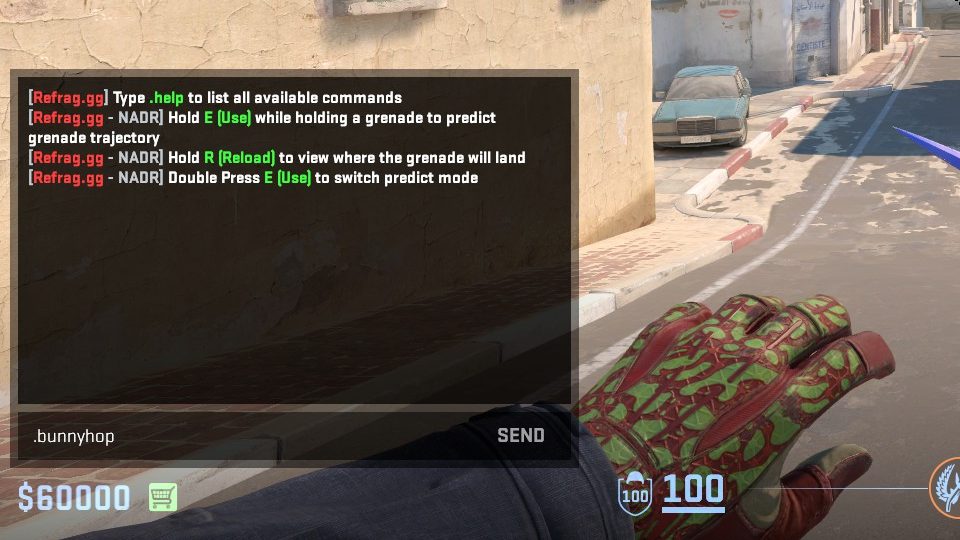
In chat, simply type .bunnyhop to switch to Bunnyhop mode.
Useful Commands For Bunnyhop
Below is a list of the most commonly used commands for Bunnyhop mode, and a brief explanation of what they do.
.bhop– Toggles sv_enablebunnyhopping along with sv_airaccelerate set.autobhop– Toggles sv_autobunnyhopping for set.start– Starts arena.restart– Restarts arena
Recommended Posts
 clegur
Start Learning Smokes in CS2
 Refrag


