 Refrag
Crossfire – CS2 Training Mode By Refrag
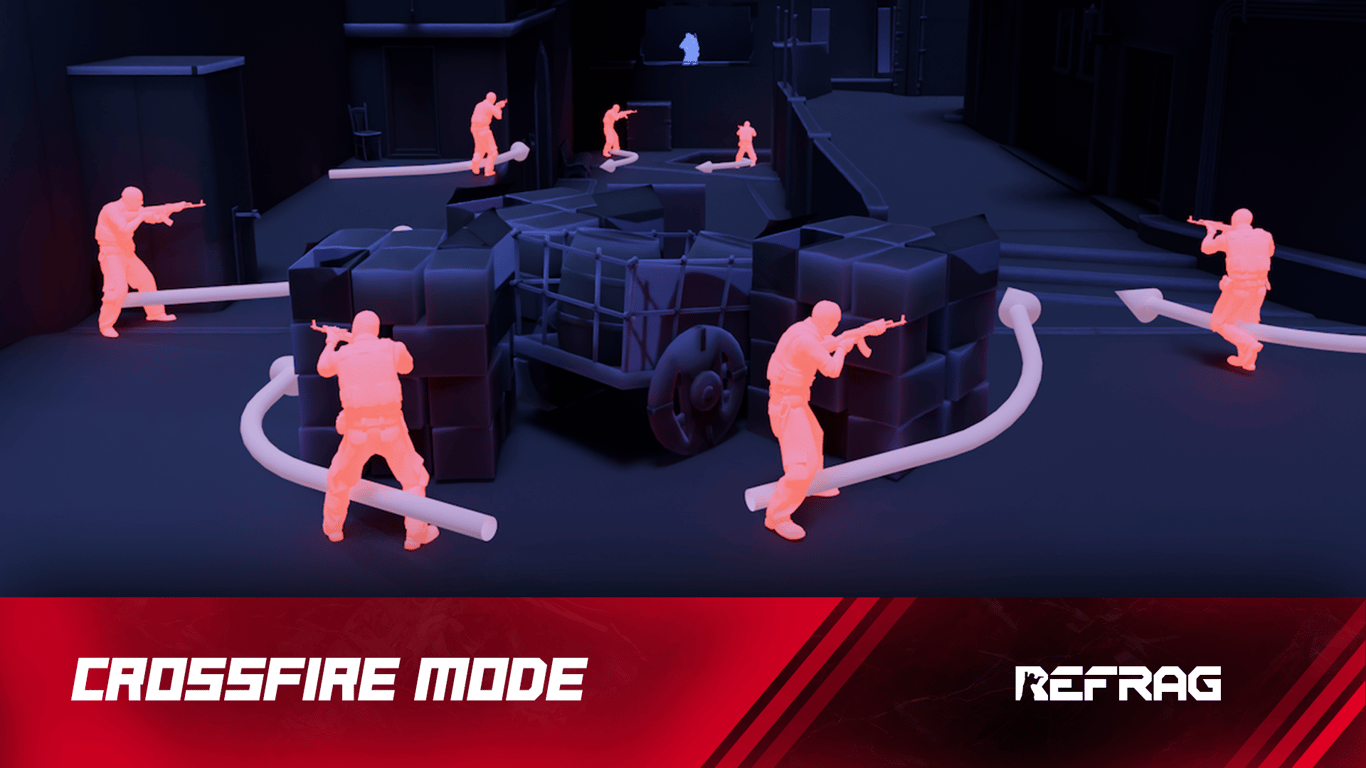
It’s difficult to replicate the feeling of a real, in-game scenario for practicing CS2 aim and movement. Deathmatch gives you real opponents, but you spend much of your time shooting opponents in the side or in the back, which is rare during real play. Refrag’s Crossfire mode is built to simulate real match duels, force fast reactions, and improve your micro-adjustments, crosshair placement, and decision-making. It can be played solo or duo, and difficulty scales with your skill when Smart Mode is enabled.
What is Crossfire?
Crossfire is a fun, fast paced game mode where you shoot at bots that peek you with realistic movement from common positions.
Performing well in Crossfire relies on:
- Proficient angle holding & crosshair placement
- Good counter-strafing
- Good fight isolation
- Performing under pressure
After grinding Crossfire for a while, you will start to be more familiar in common positions in your real games. Your peeks will be tighter, your crosshair placement more accurate.
How To Load Crossfire On Refrag
Here’s how to load Crossfire mode on Refrag:
From the Refrag Dashboard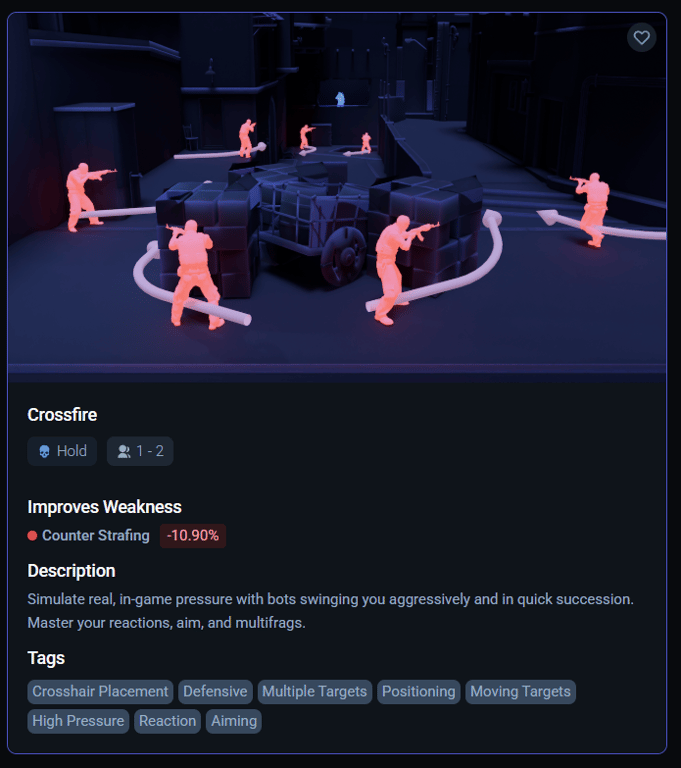
- Hit Play Now or go to https://play.refrag.gg/play
- Under Hold, select Crossfire, or search for it using the Search bar
- Select your map and hit Start Server at the bottom
From A Refrag Server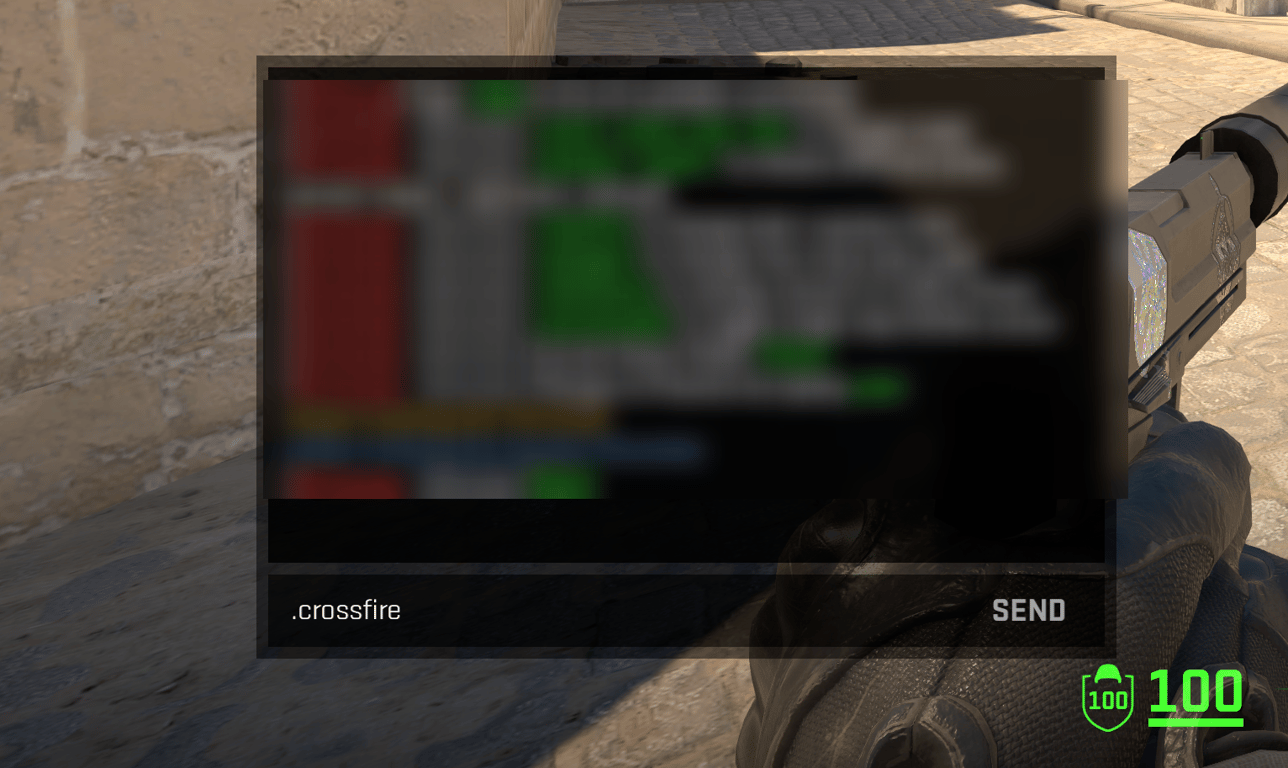
In chat, simply type .crossfire to switch to Crossfire mode.
Useful Commands For Crossfire
Below is a list of the most commonly used commands for Crossfire, and a brief explanation of what they do.
.smart– Sets Creator Studio to Smart mode (automatically adjusts the difficulty based on your skill).prac– Sets Creator Studio to Practice mode (you can change the settings yourself).comp– Sets Creator Studio to Competitive mode (uses the default settings provided by the creator of the set).elo <number>– sets the Elo of the training session.presets <name>– Changes the loadout of the bots (available presets: pistol, save, eco, force, default, AWP).easy– Sets the difficulty of the training session to easy.normal– Sets the difficulty of the training session to normal.hard– Sets the difficulty of the training session to hard
Subscribe to Refrag to get access to Crossfire in addition to more advanced aim training modes, utility trainers, and structured practice tools like Refrag Coach that turn your warmup time into real, measurable progress.
For more information on Crossfire and other Refrag training modes, check the Refrag Wiki!
Recommended Posts
 Kyman
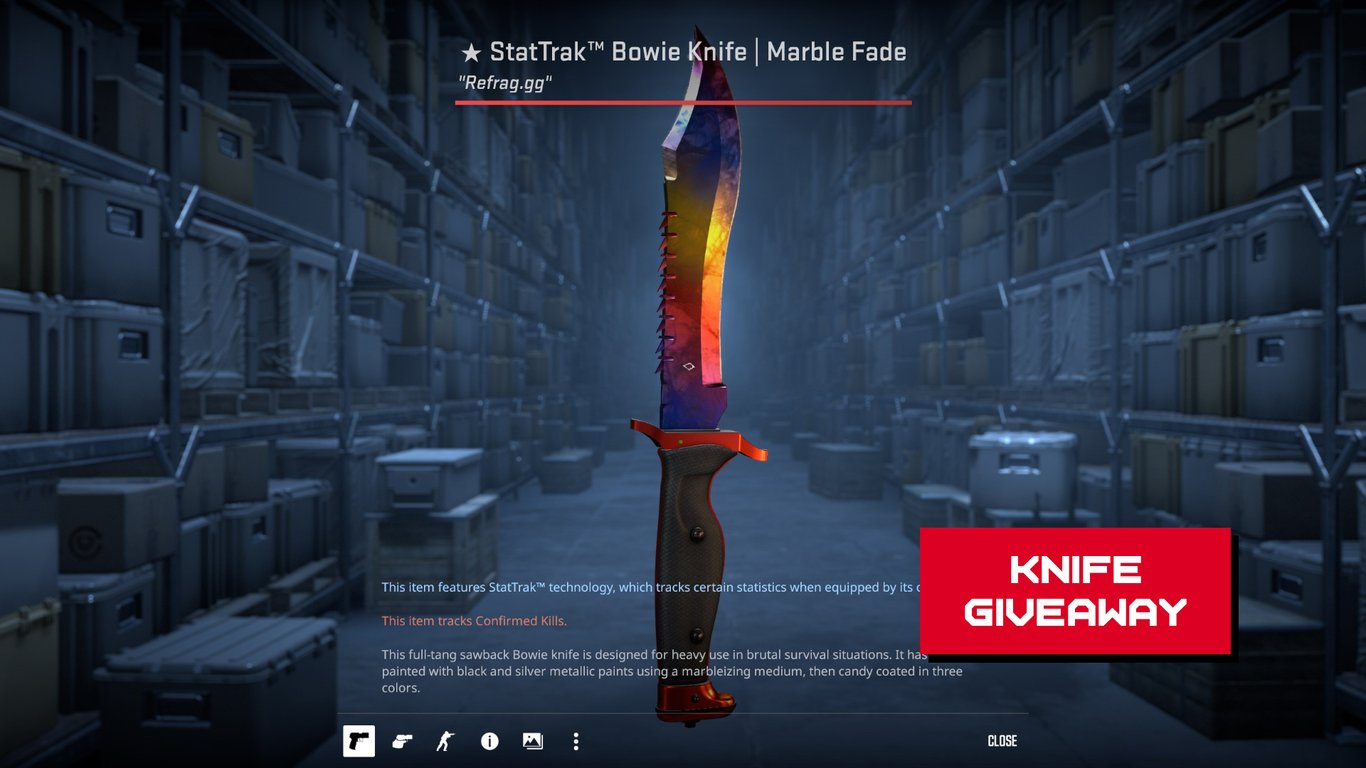
KymanRefrag Knife Giveaway – Win a StatTrak™ Bowie Knife | Marble Fade
 Refrag


