 Refrag
Angle Trainer – CS2 Training Mode By Refrag
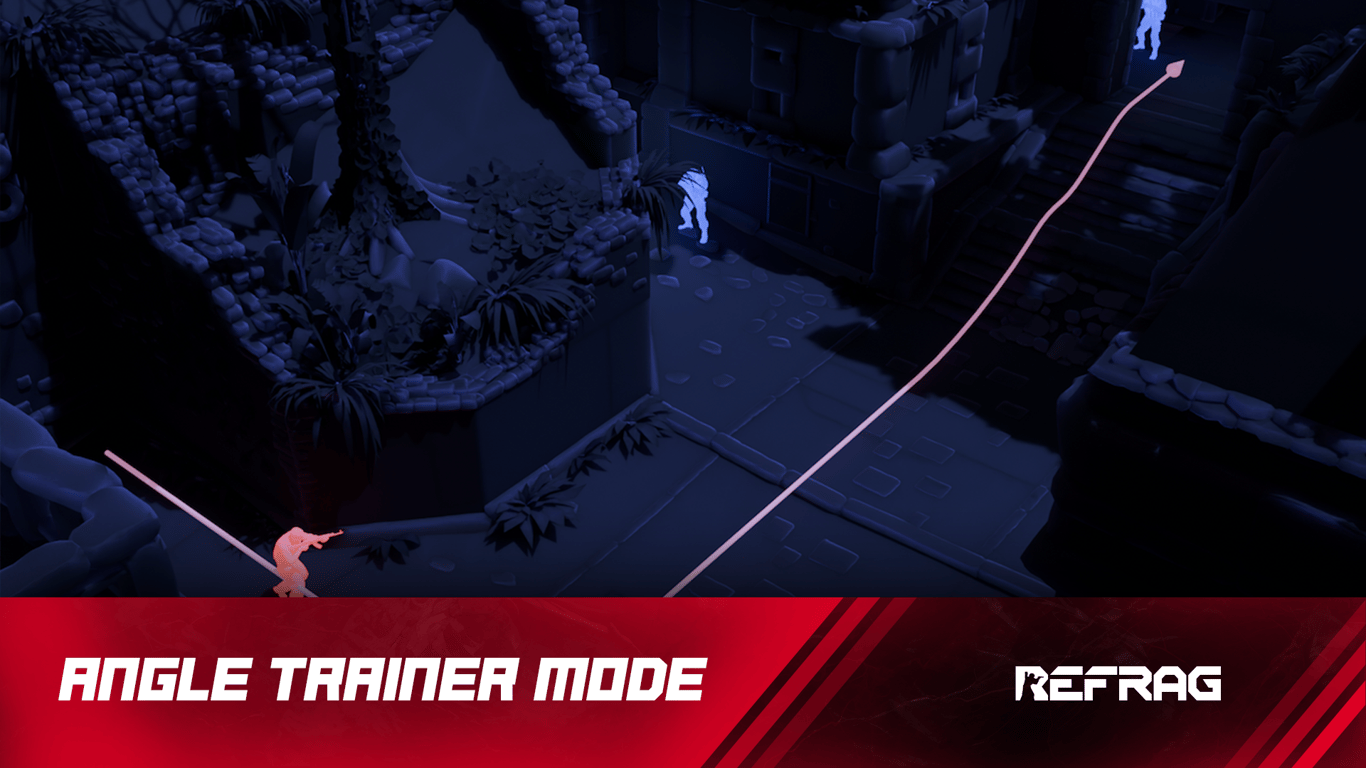
One of the most important skills in Counter-Strike is efficient angle clearing. Sure, you’re going to have plenty of fights in which you’re being swung, or you’re both caught in no-man’s land, but knowing how to take fights on your own terms is key to improving.
No matter where you are on any given map, understanding the correct pathing and applying drilled discipline to your iterative clearing of angles will categorically win you more gunfights than you lose. Angle Trainer is a custom training mode designed to improve this skillset.
What is Angle Trainer?
Angle Trainer helps players practice clearing corners, refine pre-aim, and improve crosshair placement through map-specific angles. It reinforces disciplined peeking, timing, and precision when checking common threat positions.
Performing well on Angle Trainer relies on:
- Map knowledge
- Efficient peeking
- Disciplined pathing
- Good crosshair placement
How to load Angle Trainer on Refrag
Here’s how to load Angle Trainer mode on Refrag:
From the Refrag Dashboard
- Hit Play Now or go to https://play.refrag.gg/play
- Under Peek, select Angle Trainer, or search for it using the Search bar
- Select your map and hit Start Server at the bottom
From a Refrag Server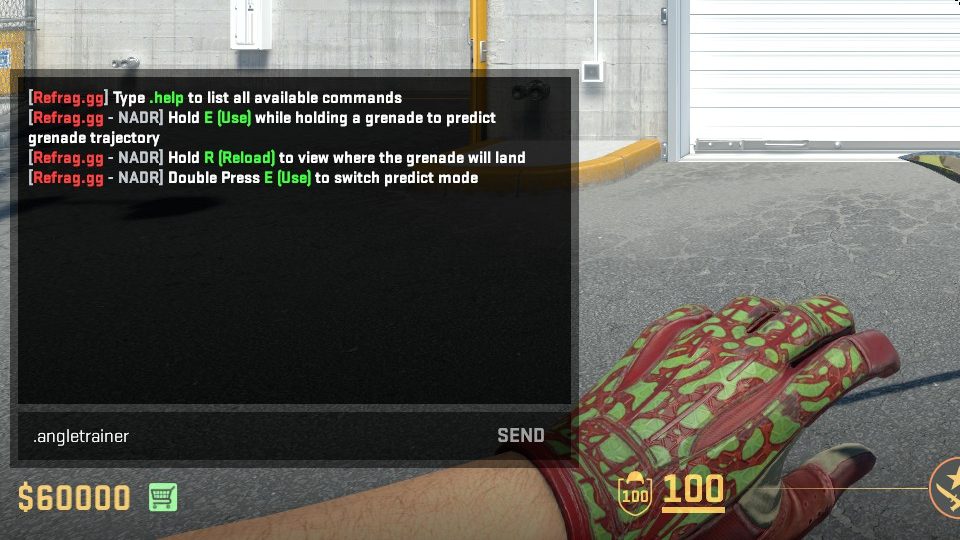
In chat, simply type .angletrainer to switch to Angle Trainer mode.
Useful Commands For Angle Trainer
Below is a list of the most commonly used commands for Angle Trainer, and a brief explanation of what they do.
- .smart – Sets Creator Studio to Smart mode (automatically adjusts the difficulty based on your skill)
- .prac – Sets Creator Studio to Practice mode (you can change the settings yourself)
- .comp – Sets Creator Studio to Competitive mode (uses the default settings provided by the creator of the set)
- .elo <number> – sets the Elo of the training session
- .presets <name> – Changes the loadout of the bots (available presets: pistol, save, eco, force, default, AWP)
- .easy – Sets the difficulty of the training session to easy
- .normal – Sets the difficulty of the training session to normal
- .hard – Sets the difficulty of the training session to hard
- .repeekreaction – Sets the reaction time of static bots
- .hs – Toggles headshot-only damage
Recommended Posts
 Refrag
Pop – CS2 Training Mode By Refrag
 Refrag


