Jan 3rd, 2026 •
by  Refrag
RefragSurge – CS2 Training Mode By Refrag
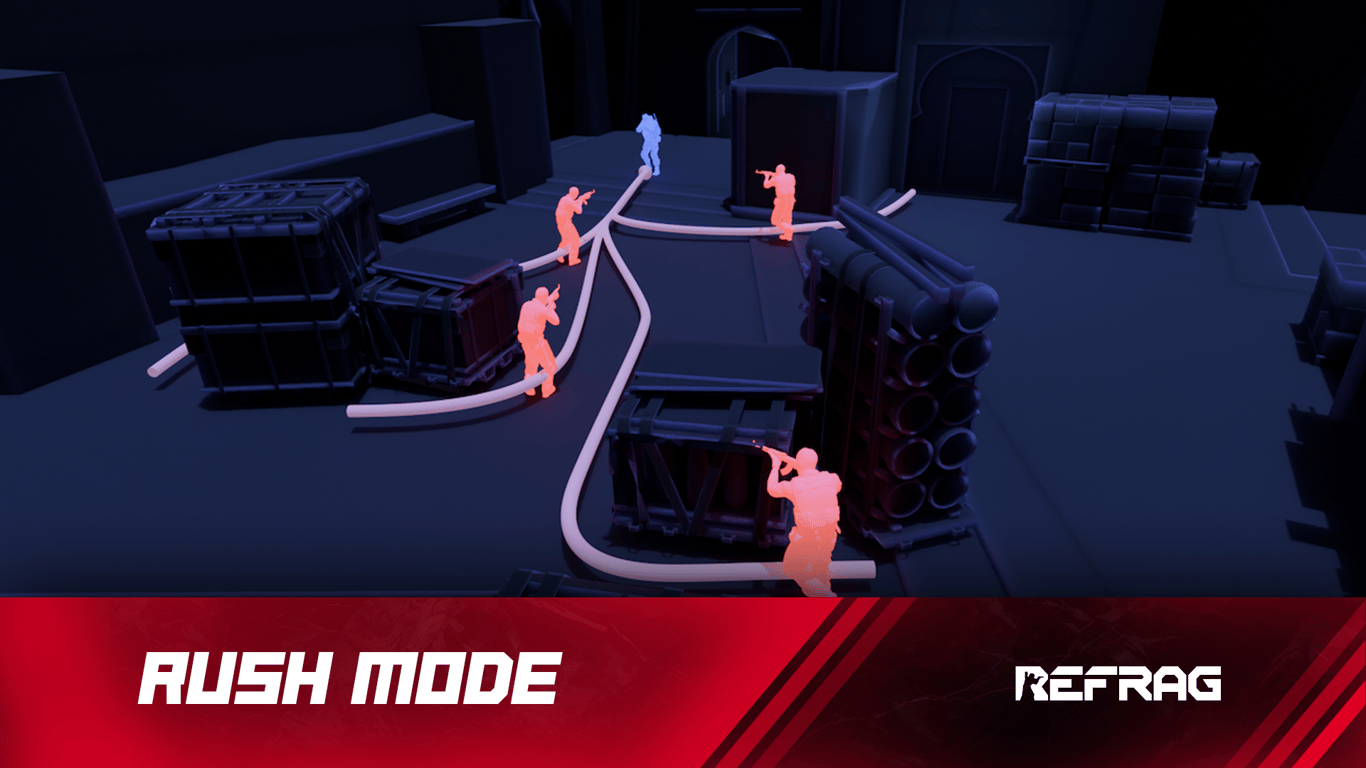
Aiming well, making decisions, and not panicking under pressure are some of the key skills that separate the good from the bad in Counter-Strike. Surge mode is here to get you up to scratch.
What is Rush?
In Rush mode, you will take on five aggressive bots charging straight at you from all angles. Sharpen your tracking, crosshair placement, and defensive positioning under pressure.
Performing well on Rush relies on:
- Performance under pressure
- Crosshair placement
- Fight isolation
- Positioning
- Tracking
How to load Rush on Refrag
Here’s how to load Rush mode on Refrag:
From the Refrag Dashboard
- Hit Play Now or go to https://play.refrag.gg/play
- Under Hold, select Rush, or search for it using the Search bar
- Select your map and hit Start Server at the bottom
From a Refrag Server
In chat, simply type .surge to switch to Rush mode.
Useful Commands For Rush
Below is a list of the most commonly used commands for Rush, and a brief explanation of what they do.
.smart– Sets Creator Studio to Smart mode (automatically adjusts the difficulty based on your skill).prac– Sets Creator Studio to Practice mode (you can change the settings yourself).comp– Sets Creator Studio to Competitive mode (uses the default settings provided by the creator of the set).elo<number> – sets the Elo of the training session.presets<name> – Changes the loadout of the bots (available presets: pistol, save, eco, force, default, AWP).easy– Sets the difficulty of the training session to easy.normal– Sets the difficulty of the training session to normal.hard– Sets the difficulty of the training session to hard.reaction– Sets the reaction time of bots.repeekreaction– Sets the reaction time of bots after they spot the player for the second time.aimoffset– Sets the accuracy of bots.hs– Toggles headshot-only damage.autoskip– Toggles whether or not to autoskip arenas after three deaths (Smart mode only).weapon-name– Equips the weapon of your choice (for example: .ak or .awp).repeat<amount> – Repeats current arena for the given number of times (repeats indefinitely if amount isn’t specified).swingers– Set the number of swingers.n– Goes to next arena (Prac mode only).p– Goes to previous arena (Prac mode only)
Recommended Posts
Apr 14, 2026 •
by Refrag
RefragAngle Trainer – CS2 Training Mode By Refrag
Jun 9, 2026 •
by Refrag
Refrag


