Jan 2nd, 2026 •
by  Refrag
RefragScrim – CS2 Training Mode By Refrag
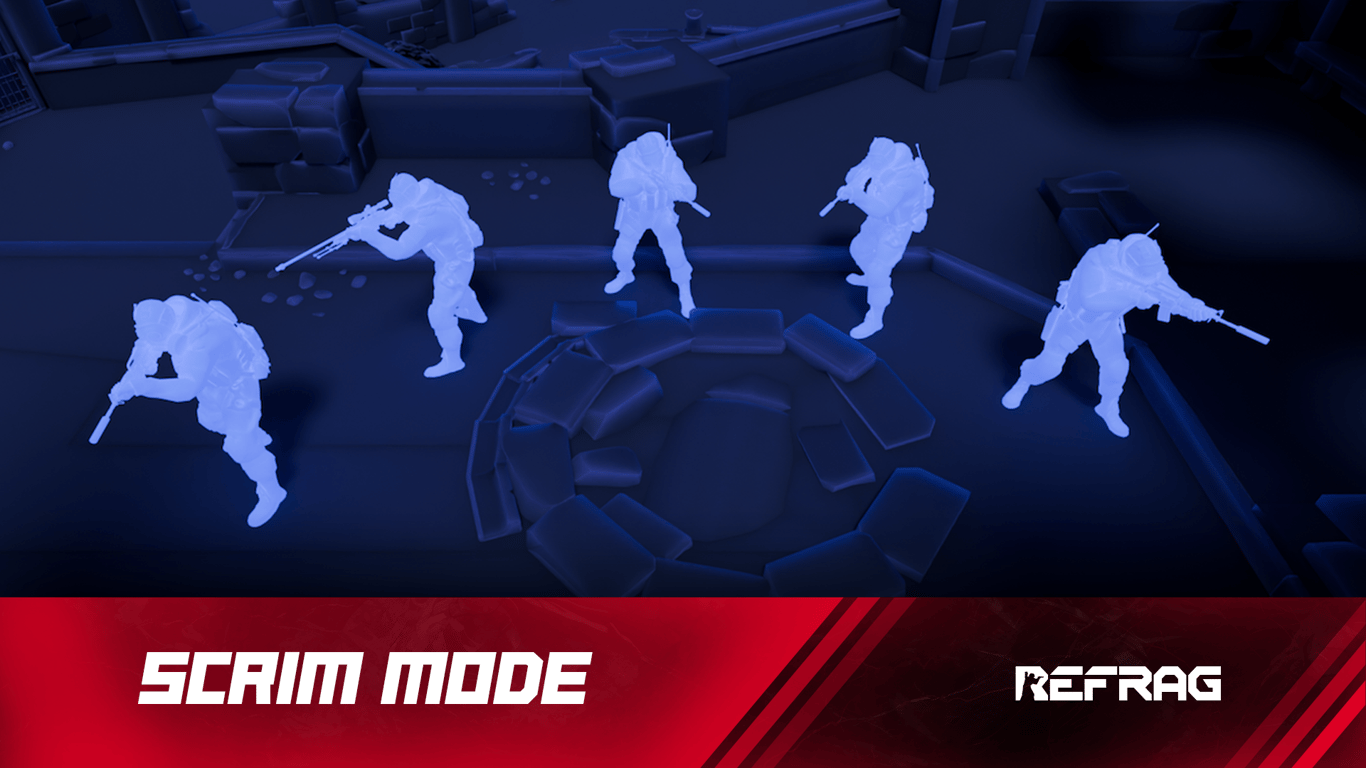
If you’re in a Counter-Strike team and looking to play against other stacks in a focused environment, Scrim mode is your place to be.
What is Scrim Mode?
Set up your own custom Scrim server, with a range of customizable settings. If you take the game seriously and play in a team, you can use Scrim mode to play 5v5 games against other teams.
How to load Scrim Mode on Refrag
Here’s how to load scrim mode on Refrag:
From the Refrag Dashboard
- Click Play Now or go to https://play.refrag.gg/play
- Under Team, select Scrim, or search for it using the Search bar
- Select your map and hit Start Server at the bottom
From a Refrag Server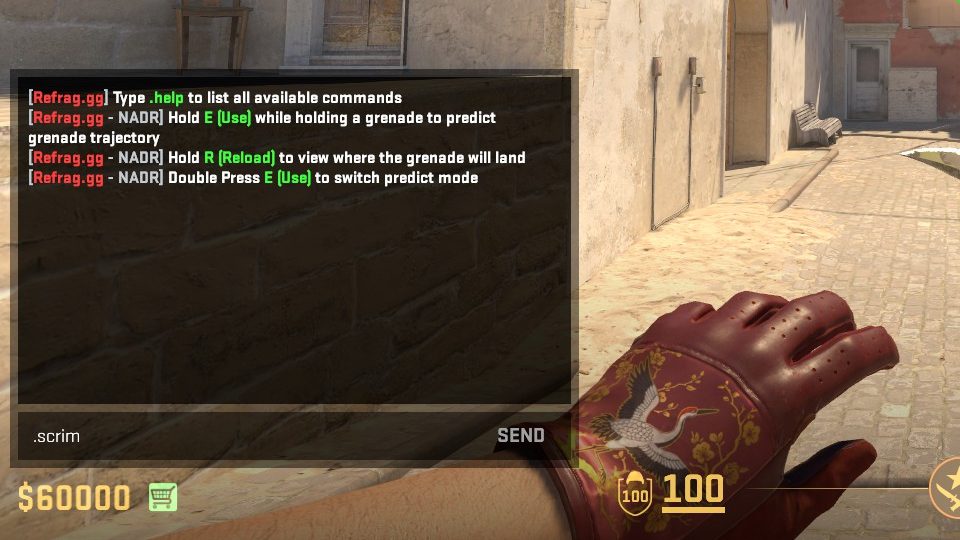
In chat, simply type .scrim to switch to scrim mode.
Useful Commands For Scrim Mode
Below is a list of the most commonly used commands for Scrim mode, and a brief explanation of what they do.
.scrimmap-name-here Changes the server to Scrim mode on the selected map.mapmap-name-here Changes the map if you’re already in Scrim mode.rToggles your team’s Ready status.tacStarts a tactical pause.techStarts a technical pause.tor.ctChoose team after knife round.pPauses scrim.overtimeor.otToggles if overtime is played or not.playoutor.poPlays out all the rounds of the scrim.forceForce starts the scrim.endscrimEnds the scrim.knifeToggles if knife round will be used.cstvToggles GOTV on and off, with no need for a server restart or map change (this can be confirmed by checking status in console, or if GOTV Is Now Recording prints in chat once the scrim starts).forceuploadForce scan for demos, in case the demo upload fails.demosCheck the status of uploaded demos on the current server.restoreround-number-here Restores the scrim to the selected round.tnameor.ctnameChange the name of the teams.coachteam-side-here Join spec, then type ‘.coach t’ or ‘.coach ct’ in chat.shuffleShuffles teams.settingsCheck the settings of the scrim.competitiveSets gamemode to 5v5 competitive.wingmanSets gamemode to 2v2 wingman
Recommended Posts

Jan 8, 2024 •
by  simba
simba
simbaUsing Recoil Trainer and Community Hub
May 31, 2024 •
by Refrag
Refrag


