 Refrag
Momentum – CS2 Training Mode By Refrag
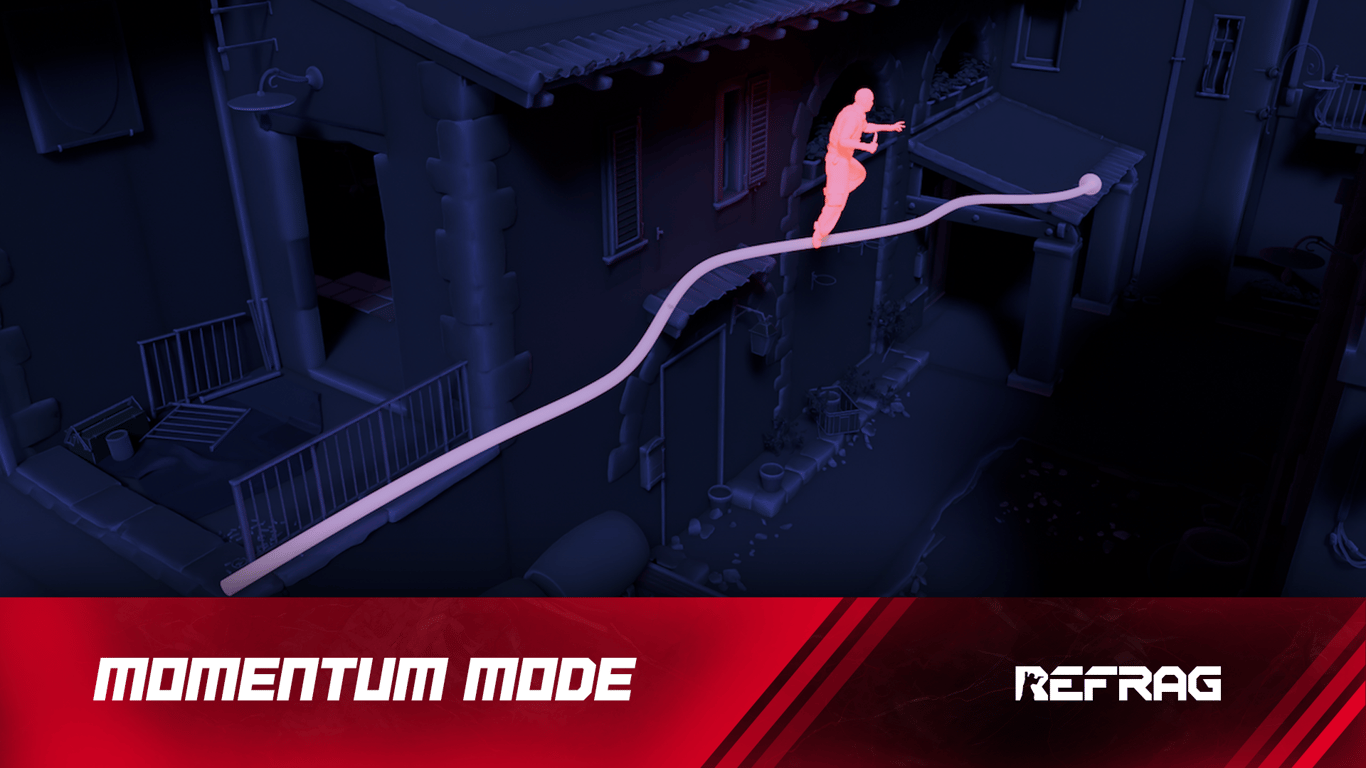
Movement is a key skill in Counter-Strike, and one that goes woefully underlooked when it comes to a lot of the player base. Being able to efficiently navigate around the map can be the difference between a last-second clutch and a lost round. Plus, who doesn’t love to pull a flashy movement play out of the bag occasionally?
What is Momentum?
Momentum is Refrag’s answer to movement training. This mode focuses on essential movement mechanics. Practice key jumps, refine pathing, and improve overall mobility on competitive maps.
Performing well in Momentum relies on:
- Map knowledge
- Movement/player model understanding
- Input precision
Once you’ve spent some time in Momentum, you’ll be much more comfortable moving around every map. Your movement, speed, and confidence will increase, and you’ll have a much greater understanding of efficient pathing routes.
How to load Momentum on Refrag
Here’s how to load Momentum mode on Refrag:
From the Refrag Dashboard
- Hit Play Now or go to https://play.refrag.gg/play
- Under Movement, select Momentum, or search for it using the Search bar
- Select your map and hit Start Server at the bottom
From a Refrag Server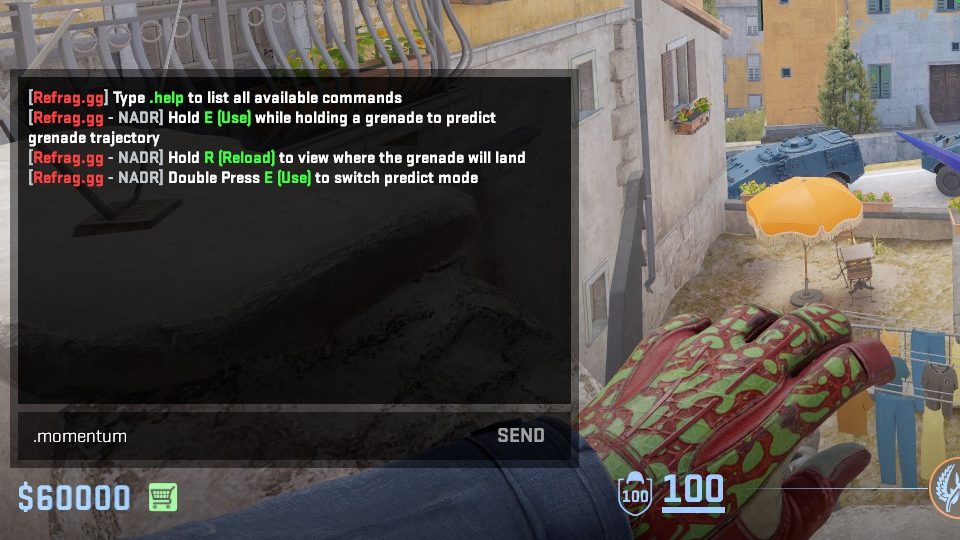
In chat, simply type .momentum to switch to Momentum mode.
Useful Commands For Momentum
Below is a list of the most commonly used commands for Momentum, and a brief explanation of what they do.
.replay– replays the bot movement.repeat– repeats the last jump.n– goes to next jump.p– goes to previous jump
Recommended Posts
 Refrag
Refrag Starter Guide – Where to Start After You Subscribe
 Samuel Allen


