 Refrag
Prefire – CS2 Training Mode By Refrag
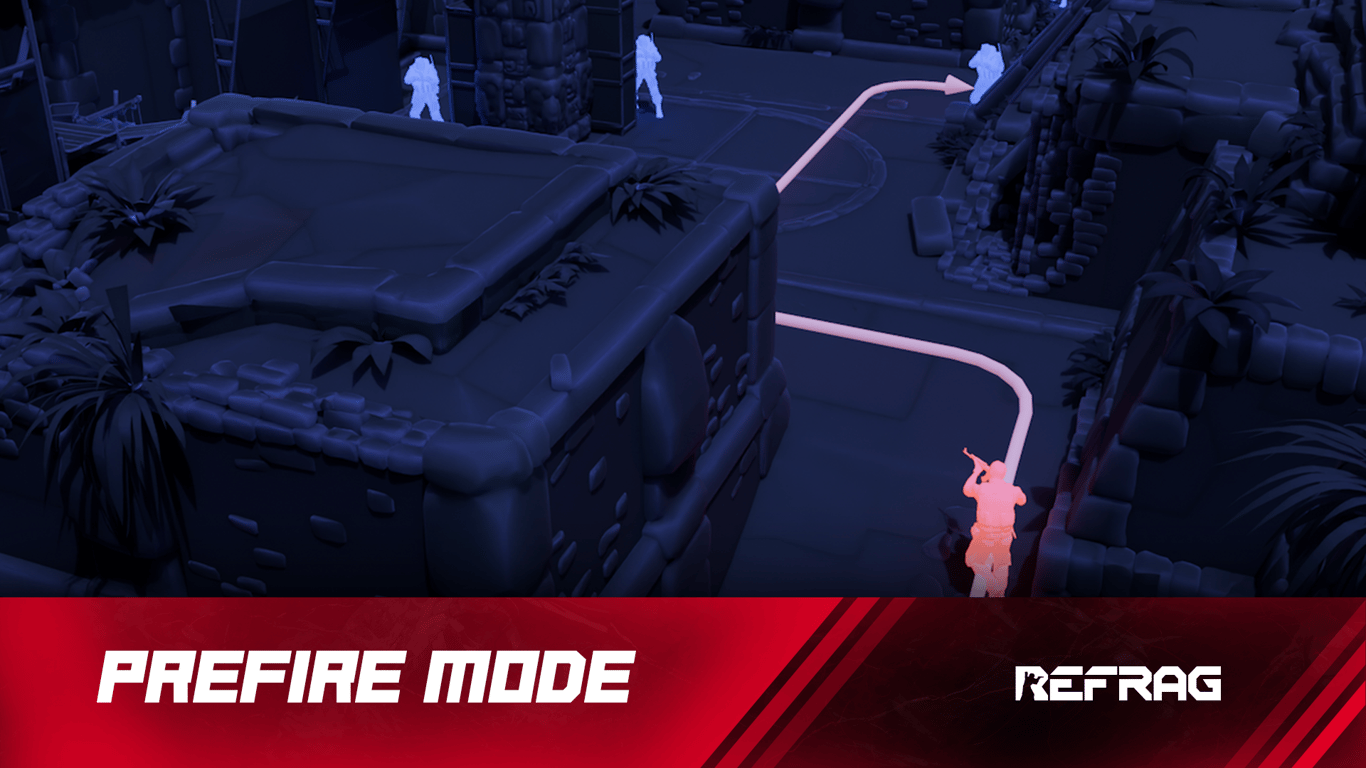
One of the most satisfying feelings in Counter-Strike is successfully prefiring an angle and one-tapping an enemy instantly. In a game as fast-paced and detailed as CS2, a good understanding of common angles is essential to ranking up. That is where Prefire Mode comes in.
What is Prefire?
Prefire is the best way to learn common angles, master crosshair placement, and practice your pre-aim. Clear out every common angle on a set path, learning how to clear every spot. The only Prefire mode that has truly random bot placement in common places, forcing you to be as diligent as possible.
Performing well on Prefire relies on:
- Angle management
- Map awareness
- Crosshair placement
- Efficient peeking
Once you’ve spent some time grinding Prefire mode, you will be clearing out angles, one-tapping opponents, and moving through every map with confidence.
How to load Prefire on Refrag
Here’s how to load Prefire mode on Refrag:
From the Refrag Dashboard
- Hit Play Now or go to https://play.refrag.gg/play
- Under Peek, select Prefire, or search for it using the Search bar
- Select your map and hit Start Server at the bottom
From a Refrag Server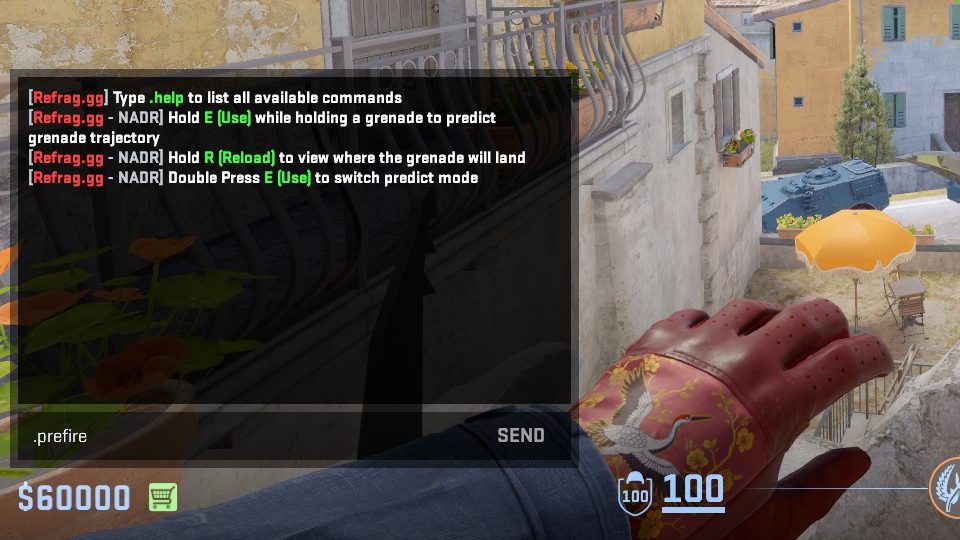
In chat, simply type .prefire to switch to Prefire mode.
Useful Commands For Prefire
Below is a list of the most commonly used commands for Prefire, and a brief explanation of what they do.
.smart– Sets Creator Studio to Smart mode (automatically adjusts the difficulty based on your skill).prac– Sets Creator Studio to Practice mode (you can change the settings yourself).comp– Sets Creator Studio to Competitive mode (uses the default settings provided by the creator of the set).presets <name>– Changes the loadout of the bots (available presets: pistol, save, eco, force, default, AWP).elo <number>– sets the Elo of the training session.xray– Toggles xray (Only during .prac or .dev).weapon-name– Equips the weapon of your choice (for example: .ak or .awp).hs– Toggles headshot-only damage.reaction– Sets the reaction time of bots.repeekreaction– Sets the reaction time of bots after they spot the player for the second time.aimoffset– Sets the accuracy of bots.autoskip– Toggles whether or not to autoskip arenas after three deaths (Smart mode only)
Recommended Posts
 Refrag
Scrim – CS2 Training Mode By Refrag
 Refrag


