 Refrag
Aimbotz – CS2 Training Mode by Refrag
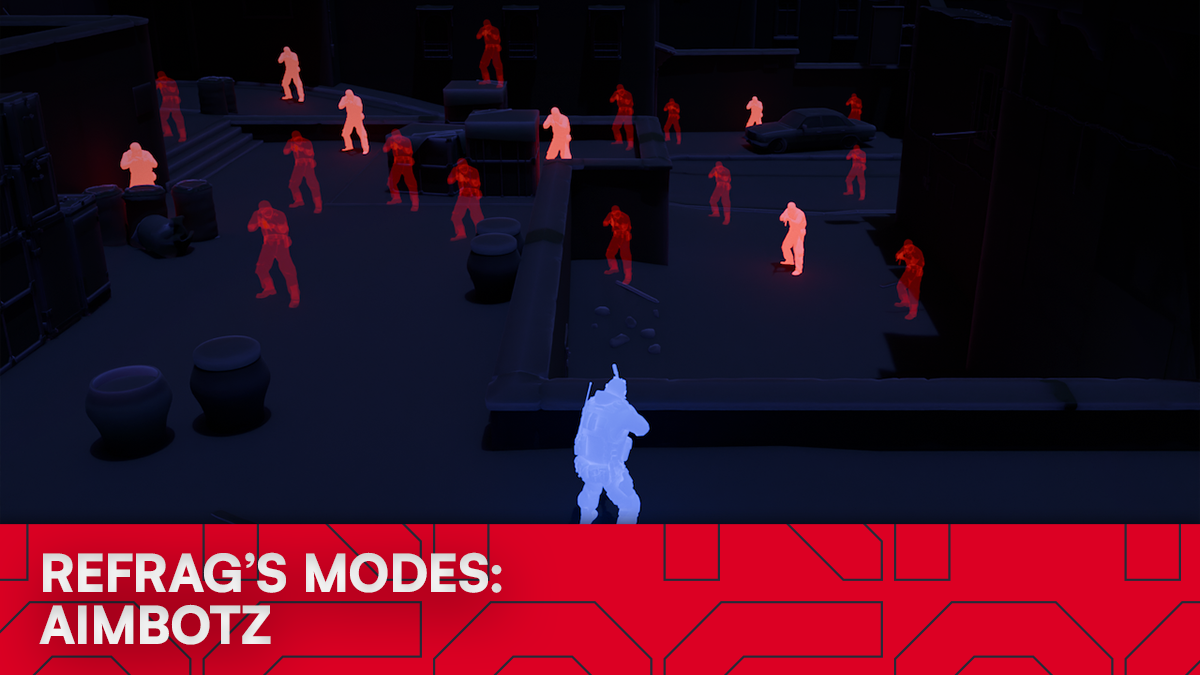
If you’ve ever watched a high-level Counter-Strike player warm up, there’s a good chance they spent time in some version of an “aimbotz” mode. It’s not glamorous, it’s not tactical, and it doesn’t look like real practice, but it builds the mechanical foundation everything else sits on.
On Refrag, that role is filled by Aimbotz, a focused practice mode built specifically to warm-up your raw aim: flicks, micro-adjustments, tracking, and mouse control. It’s one of the simplest modes on the platform, and also one of the most powerful when used consistently.
What is Aimbotz?
Aimbotz is a rapid-target elimination mode designed to improve flicks, speed-aiming, tracking, and overall mouse precision.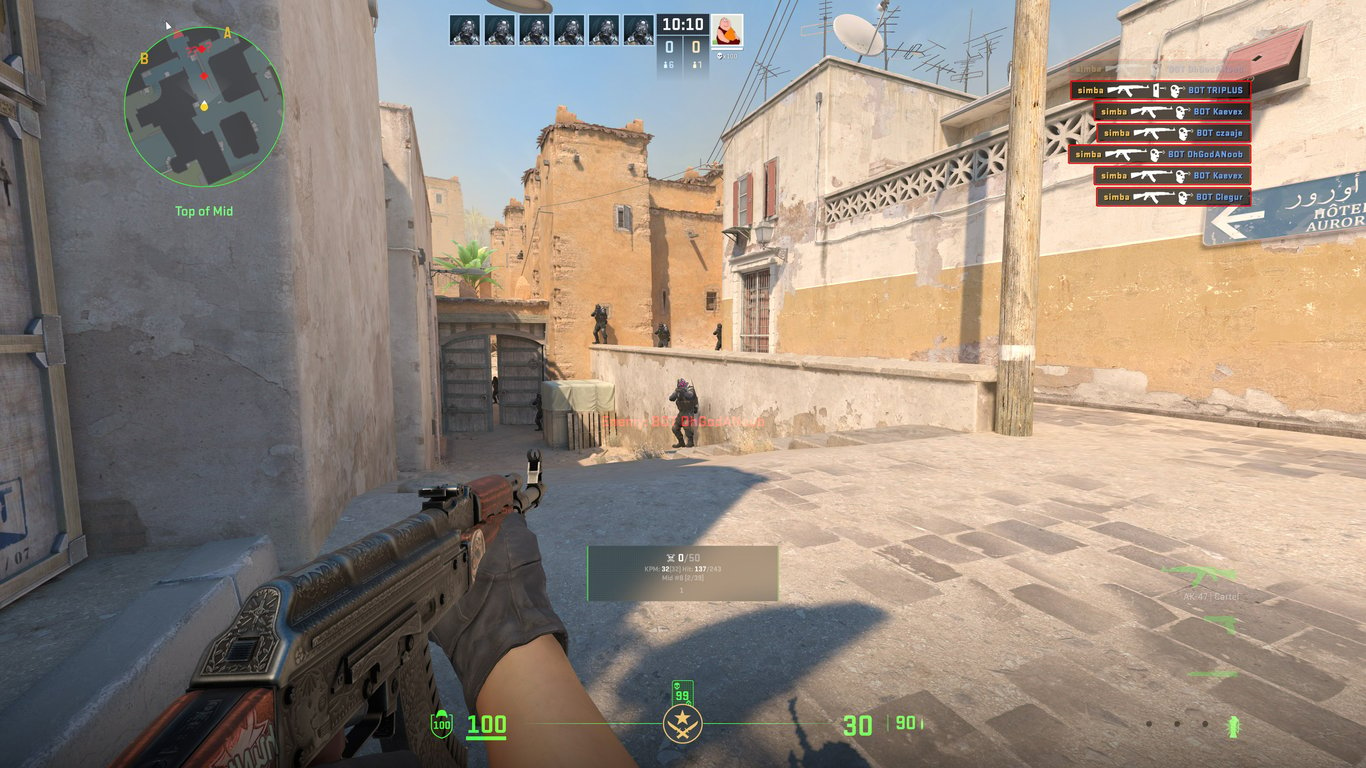
You load into a CS2 map environment filled with static bots that don’t shoot back, creating a low-pressure space where you can focus purely on mechanics. No utility, no teammates, and no econ management. Just you, your crosshair, and targets.
It’s ideal for:
- Daily warmups before matches
- Rebuilding confidence after a bad game
- Fixing sloppy crosshair control
- Practicing new sensitivities or settings
- Refining micro-adjustments at different ranges
Because the bots don’t shoot back, Aimbotz strips away stress and decision-making so you can lock in on one thing: clean, repeatable aim mechanics.
On Refrag, there are 4 different modes for Aimbotz:
Default – The traditional Aimbotz experience.
Aimbotz 360 – Aimbotz in arenas where you’re completely surrounded by bots, 360 degrees around you
Aimbotz 20 – Aimbotz in smaller arenas where the bots spawn in a 20 degree window in front of you
Aimbotz 8 – A special Aimbotz mode where bots are placed in 45 degree increments in close range around you. Useful for training 180 degree flicks or testing new sensitivities in a controlled environment
How to load Aimbotz on Refrag
Here’s how to load the Aimbotz mode on Refrag:
From the Refrag Dashboard
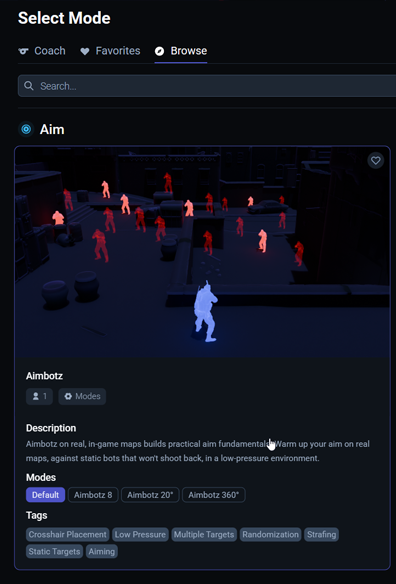

- Hit Play Now or go to https://play.refrag.gg/play
- Under Aim, select Aimbotz, or search for it using the Search bar
- Select a mode within the Aimbotz card
- Select your map, and hit Start Server
From a Refrag Server
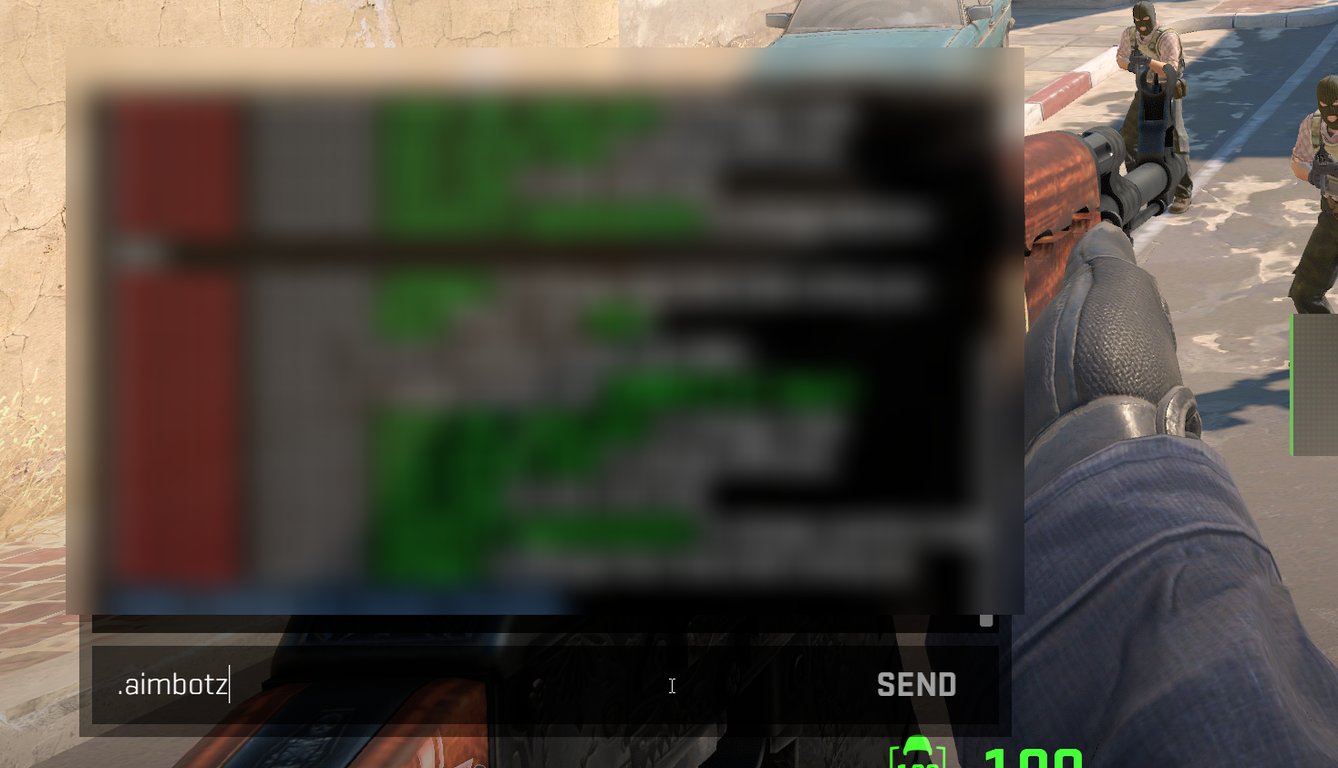
In chat, type “.aimbotz”, “.aimbotz20”, “aimbotz360” or “aimbotz8” depending on which mode you’d like to play.
Useful commands for Aimbotz
Below is a list of the most commonly used commands for Aimbotz, and a brief explanation of what they do.
.smartArenas automatically change after 50 kills.compSingle arena with time challenge.pracEndless mode, can change arenas with.nand.p.maxspawn <number>Min 1, max 6 – Controls how many bots will spawn in a given arena.hsToggles headshot-only damage.weapon-nameEquips the weapon of your choice (for example: .ak or .awp).kevlarToggles armor on bots
Subscribe to Refrag to get access to Aimbotz in addition to more advanced aim training modes, utility trainers, and structured practice tools like Refrag Coach that turn your warmup time into real, measurable progress. If you want your aim to feel reliable, not random, use code aimbotzblog for a free 3-day trial of Refrag!
For more information on Aimbotz and other Refrag training modes, check the Refrag Wiki!
Recommended Posts
 Kyman
KymanCS2 Map Callouts Overview
 Samuel Allen


