 Refrag
Challenger – CS2 Training Mode by Refrag
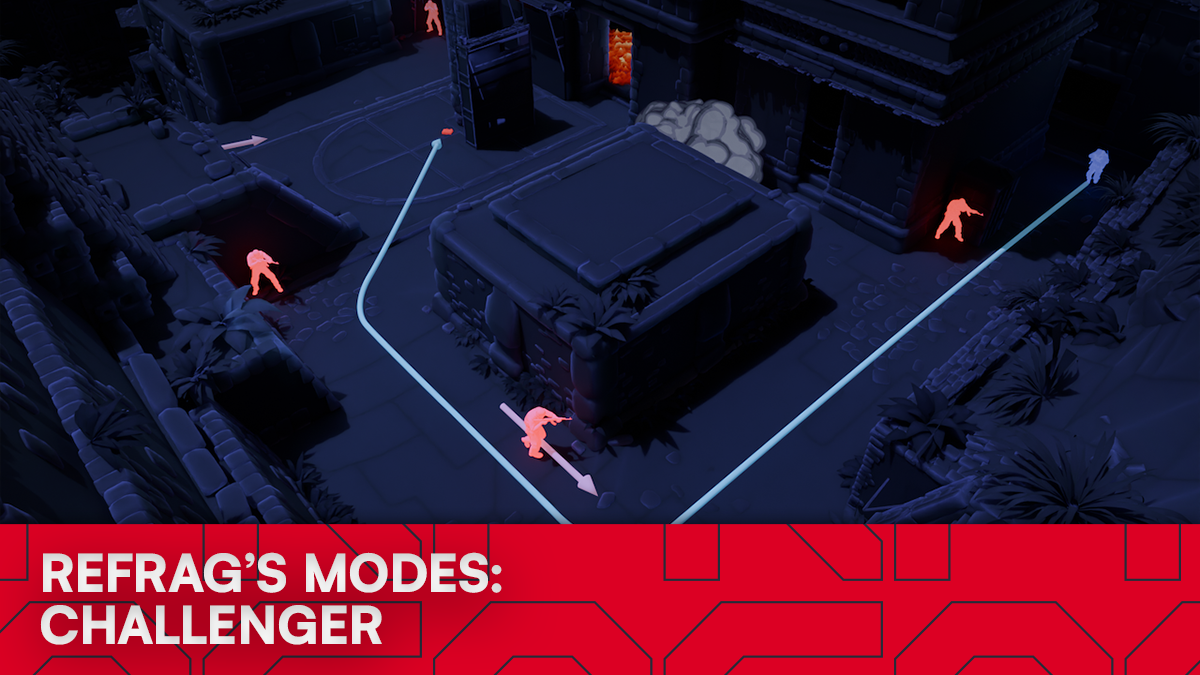
Anyone who has ever played a game of Counter-Strike understands the pain of being locked out of a bombsite. The Ts have rushed B, taken the site, planted the bomb, and you’re staring at smokes looking for a way in. It is safe to say that, to those who don’t practice them, retakes can be some of the most challenging situations in the game.
Luckily for you, Refrag’s Challenger mode is built to tackle that very situation!
What is Challenger?
Challenger drops you into realistic retake scenarios, so you can refine your pathing, utility, and decision-making in high-pressure retakes on real, in-game maps. It can be played either solo or with up to two other players. This mode is the perfect way to practice your retakes, pathing, timings, communication, and decision-making when faced with – literally – a ticking time bomb.
Performing well in Challenger mode relies on:
- Good utility usage
- Strong communication under pressure
- Refined pathing
- Trading
This is a mode that will directly translate to your games in a 1-1 fashion. Grind out some Challenger mode, and you will start recognizing specific retakes that you have practiced in no time.
How to load Challenger on Refrag
From the Refrag Dashboard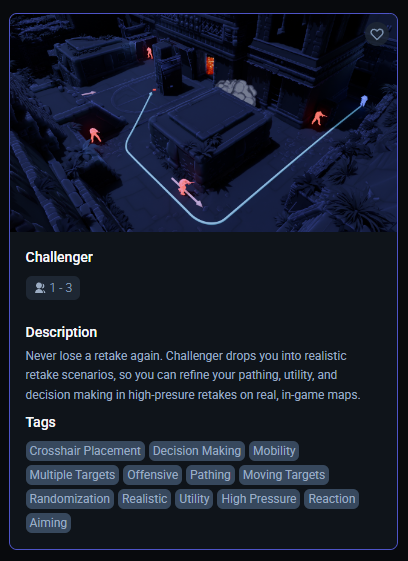
- Hit Play Now or go to https://play.refrag.gg/play
- Under Peek, select Challenger, or search for it using the search bar.
- Select your map, and hit Start Server at the bottom
From a Refrag server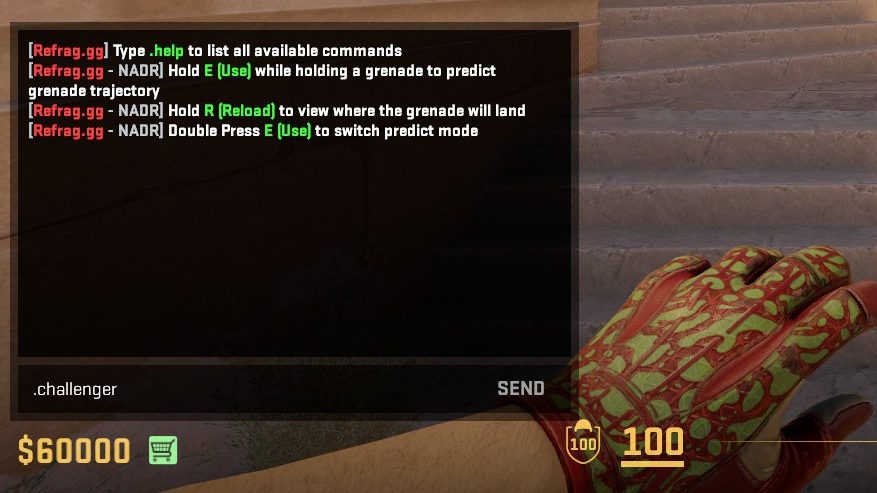
In chat, simply type .challenger to switch to Challenger Mode.
Useful commands for Challenger
Below is a list of the most commonly used commands for Challenger, and a brief explanation of what they do.
- .smart – Sets Creator Studio to Smart mode (automatically adjusts the difficulty based on your skill)
- .prac – Sets Creator Studio to Practice mode (you can change the settings yourself)
- .comp– Sets Creator Studio to Competitive mode (uses the default settings provided by the creator of the set)
- .elo <number> – sets the Elo of the training session
- .presets <name>- Changes the loadout of the bots (available presets: pistol, save, eco, force, default, AWP)
- .easy– Sets the difficulty of the training session to easy
- .normal – Sets the difficulty of the training session to normal
- .hard– Sets the difficulty of the training session to hard
Subscribe to Refrag to get access to Challenger in addition to more advanced aim training modes, utility trainers, and structured practice tools like Refrag Coach that turn your warmup time into real, measurable progress. Use code “challenger“ to get a 3-day trial of Refrag.
For more information on Challenger and other Refrag training modes, check the Refrag Wiki!
Recommended Posts
 Samuel Allen
CS2 101: What Is A Default?
 simba
simba


