Jun 5th, 2026 •
by  Refrag
RefragWaves – CS2 Training Mode By Refrag
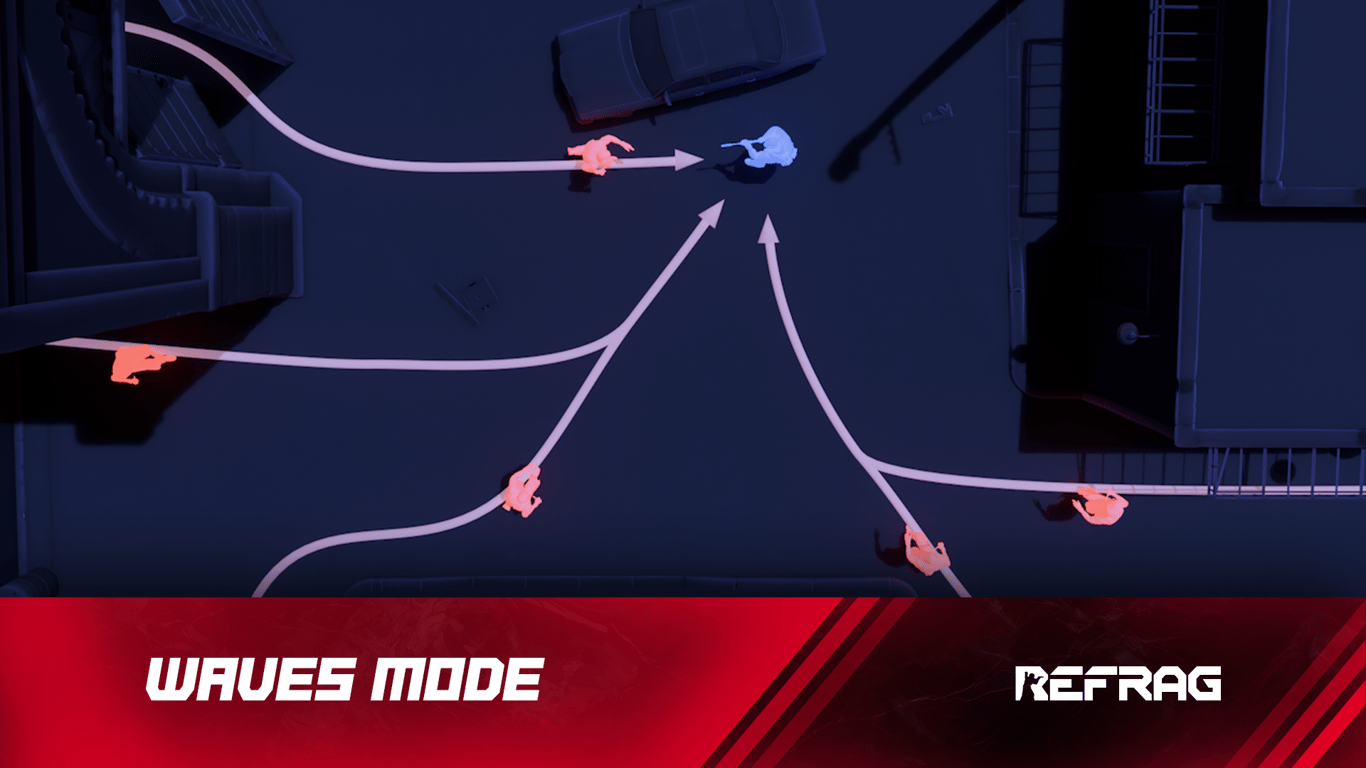
Improving your reaction time in CS2 and keeping reactions sharp while staying calm under pressure are all crucial components to becoming a consistent CS2 player. Waves is a great way to focus on these aspects of your game.
What is Waves?
Waves builds consistency under pressure. Face waves of rushing bots, running at you with knives and respawning endlessly. Sharpen your aim, improve your movement, and perfect your reactions.
Performing well in Waves Mode relies on:
- Fight isolation
- Raw aim
- Spray transfers
- Performance under pressure
How to load Waves on Refrag
Here’s how to load Waves mode on Refrag:
From the Refrag Dashboard
- Hit Play Now or go to https://play.refrag.gg/play
- Under Aim, select Waves, or search for it using the Search bar
- Select your map and hit Start Server at the bottom
From a Refrag Server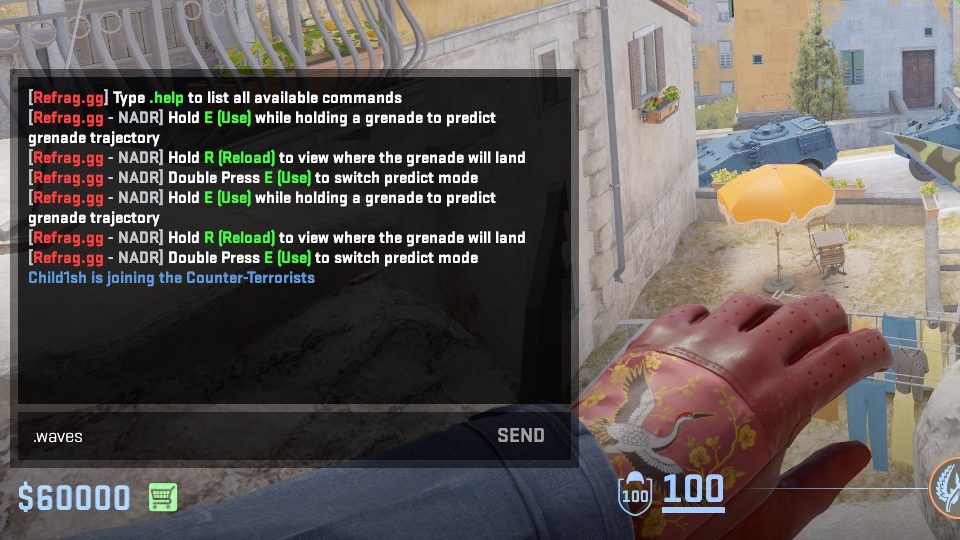
In chat, simply type .waves to switch to Waves mode.
Useful Commands For Waves
Below is a list of the most commonly used commands for Waves mode, and a brief explanation of what they do.
.weapon-name– Equips the weapon of your choice (for example: .ak or .awp).easy– Sets the difficulty of the training session to easy.normal– Sets the difficulty of the training session to normal.hard– Sets the difficulty of the training session to hard.expert– Sets the difficulty of the training session to expert.nightmare– Sets the difficulty of the training session to nightmare.prac– Set gamemode to practice mode where bots chase you down.defend– Set game mode to defend, where you spawn on a bombsite and have to defend the site from bots planting the bomb
Recommended Posts
Apr 14, 2026 •
by Refrag
RefragAngle Trainer – CS2 Training Mode By Refrag
Jan 2, 2026 •
by Refrag
Refrag


